The Best Zapier Integrations for Airtable Financial Reporting
Let's be real. Your Airtable base is a beast for tracking project budgets, client retainers, and ad spend. But getting the numbers in there? That's the soul-crushing part. You're downloading CSV files from Stripe, copying totals from QuickBooks, and praying you didn't fat-finger a decimal point. Zapier changes the game. It's not an "integration"; it's an autopilot for your agency's finances. Think of it as the nervous system that connects your financial organs—your bank, your payment processor, your accounting software—directly to that beautiful Airtable brain. No more manual entry. Just clean, automatic data sync. Your sanity will thank you.
The "Golden Trio" of Zapier Accounting Integrations

Okay, so which connections actually matter? You can link Airtable to your toaster with Zapier, but let's focus on what moves the needle. Here’s your starter pack. First: QuickBooks or Xero. Every invoice paid, every expense logged—it lands in Airtable as a new record instantly. Your Profit & Loss statement is suddenly living in your project tracker. Second: Stripe or PayPal. A subscription renews? A one-time payment clears? Zapier slaps that info right into your Airtable, tagging the client and updating their lifetime value field. No more cross-referencing. Third, and this is a pro move: Plaid. Connect your business bank account directly. Monitor for large deposits or suspicious withdrawals automatically. These three? They turn your Airtable from a spreadsheet into a real-time financial command center.
From Chaos to Clarity: Building Your First "Set-It-And-Forget-It" Zap
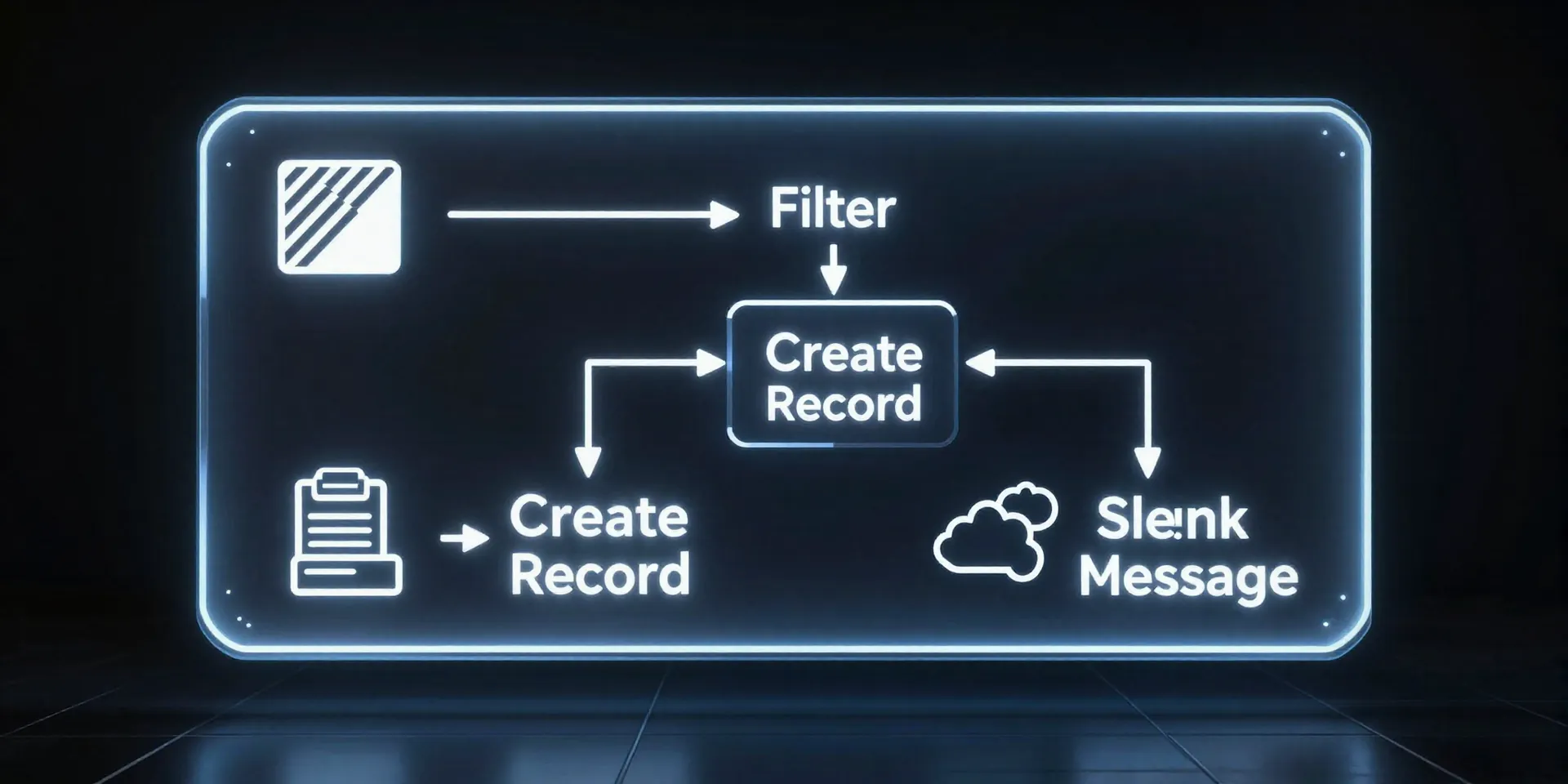
Enough theory. Let's build something. The magic of Zapier is in the "Zap"—a simple automation recipe. Here's a dead-useful one for agencies: "When a new invoice is marked *Paid* in QuickBooks, add the details to my Airtable 'Revenue' base AND post a celebration gif in the #finance Slack channel." Here's how it works. Trigger: "New Paid Invoice" in QuickBooks. Zapier watches for this. Action 1: "Create Record" in Airtable. It maps the invoice amount, client name, and date to your pre-built fields. Action 2: "Send Channel Message" in Slack. It posts a note saying, "Hey team, [Client] just paid $X for [Project]!" This takes 10 minutes to set up. And then it runs forever. You stop chasing data. The data comes to you, high-fiving you on the way in.
The Pitfall Everyone Misses (And How to Avoid It)
Here's the thing. Most people set up these Zaps and walk away. Big mistake. Data without context is just noise. The secret sauce is in the *filters* and *formatters*. Let's say you have a Zap importing Stripe payments. Do you want every $5 test transaction from your dev environment clogging your Airtable? No. Add a filter: "Only continue if Amount is greater than $10." Or maybe your accounting software sends dates in a weird format. Use Zapier's Formatter step to change "MM/DD/YYYY" to the ISO standard Airtable loves. This is the boring, unsexy work that separates a chaotic data dump from a clean, reliable system. Spend an extra five minutes on setup. Save yourself hours of cleanup later.
Level Up: From Reporting to Forecasting
Once your basic revenue and expenses are flowing in automatically, you can get clever. This is where Airtable's real power kicks in. Use Zapier to feed data into Airtable, then let Airtable's formulas and linked records do the heavy lifting. Automatically calculate runway based on your average monthly burn. Flag any client whose payment is more than 3 days late by changing a record color. Create a rolling 90-day cash forecast view that updates itself. You're not just building a ledger anymore. You're building a financial model that breathes and updates in real-time. The data is fresh. The insights are immediate. You’re not looking at last month's numbers. You're looking at *right now*. And that changes every decision you make.