Tracking Freelance Writer Submissions with Airtable Forms and Zapier
Let's be real. Managing freelance writers can feel like herding cats who are also allergic to your chosen project management tool. You beg for submissions. They arrive... somewhere. Email? Slack? Carrier pigeon? A Google Drive folder you forgot existed. Suddenly, you're playing digital detective, sifting through threads and folders just to find what you paid for. It's a recipe for lost files, missed deadlines, and a slow descent into madness. It doesn't have to be this way.
Your Single Source of Truth: The Airtable Content Base
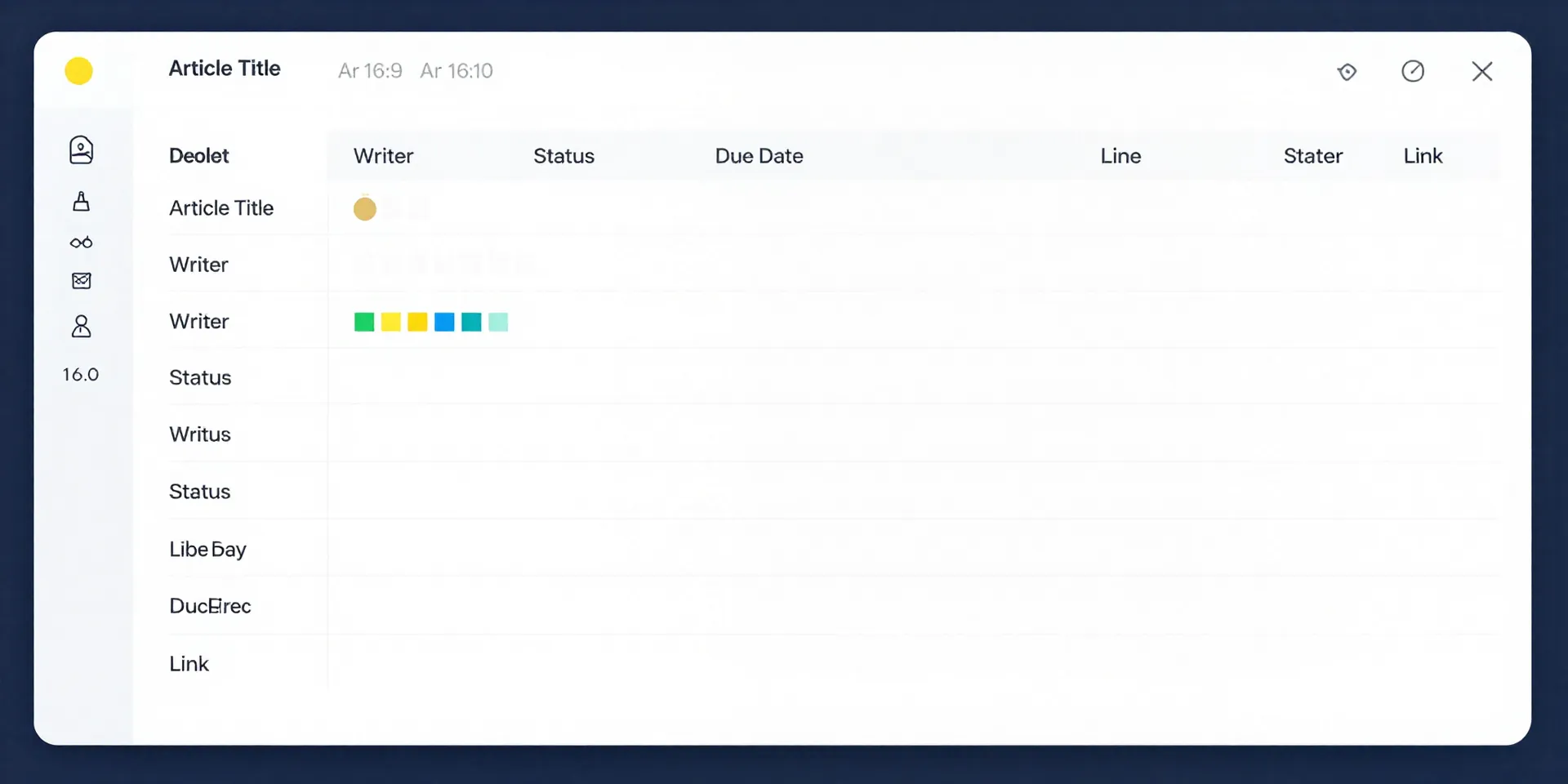
Step one: stop the madness. Create one place where every article, from pitch to published, lives. That's your Airtable base. Think of it as your mission control. One row per piece of content. Columns for the title, the writer, the status, the due date, the payment, the published URL. Everything. The magic isn't just in seeing it all—it's in turning it into a living, breathing system.
The Magic Button: Letting Writers Submit Via Airtable Form
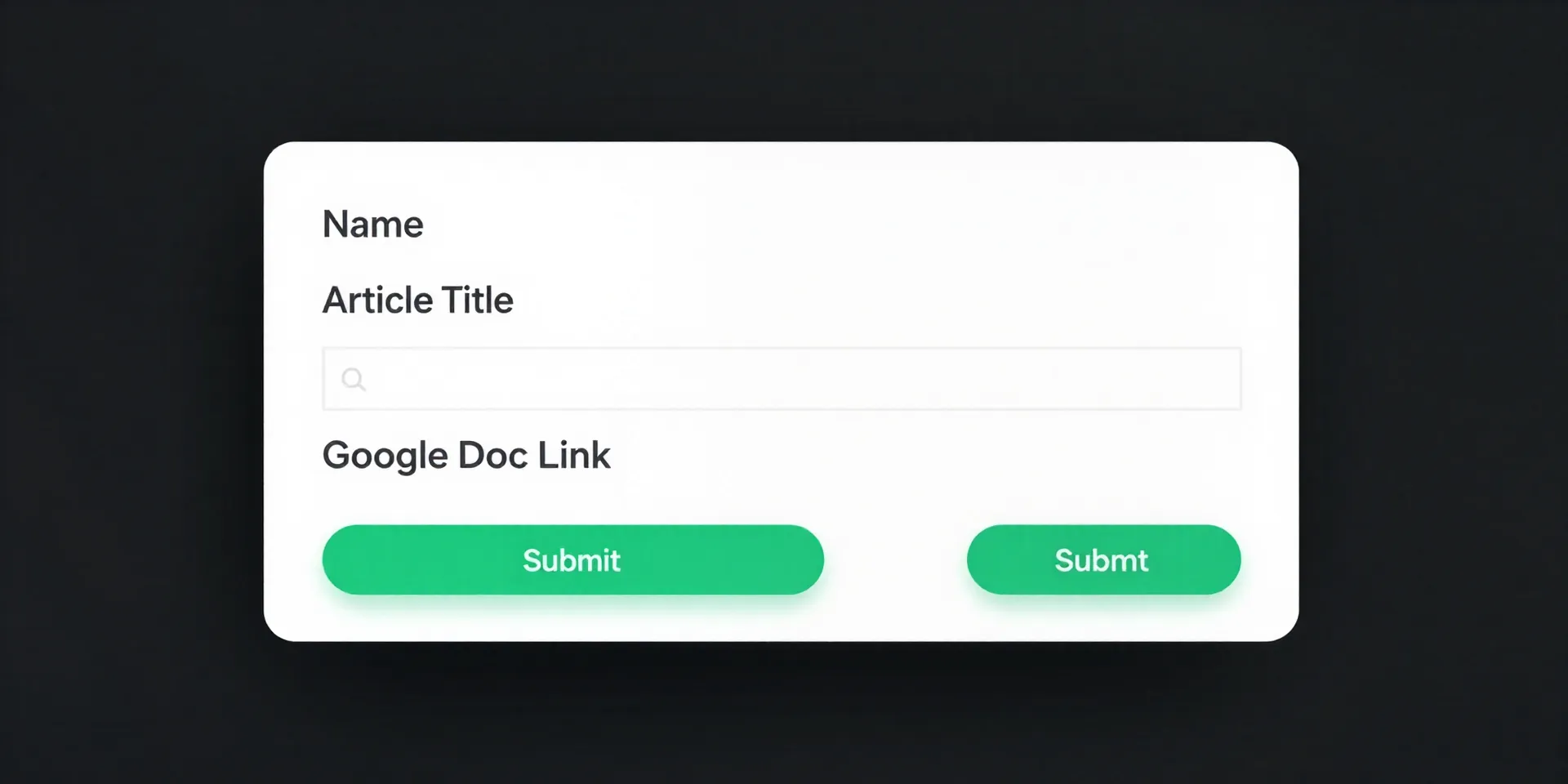
Here's where you stop chasing. No more "hey, where's that doc?". You simply give your writers a link. A link to a custom Airtable form you built in two minutes. The form asks for exactly what you need: their name, the article title, the Google Doc link. They hit submit. That's it. Their job is done. And the best part? That data doesn't go into a void. It lands directly in a new row in your mission control Airtable base. Automatically. No copying, no pasting, no errors.
Automating the Grunt Work with Zapier
But wait, it gets better. Your writer submits the form. The Airtable row is created. Now what? You still have to notify someone, right? Wrong. This is where Zapier comes in. It's the glue. You create a "Zap": when a new row is added to your Airtable base (trigger), then do these things (actions). Like, post a message in your team's Slack channel. Or send you a specific email. Or add a task to your project management tool. The submission triggers your entire workflow. You're not managing tasks anymore; you're overseeing a machine that runs itself.
What Your New Workflow Actually Looks Like
So let's walk through it. Sophia finishes her draft. She pastes the Google Doc link into your form and clicks submit. A new row appears in your 'Submissions' table. Instantly, a Zapier automation fires. A message pops up in your #content-review Slack channel: "New submission from Sophia: '10 SEO Myths Busted' - [Link to Airtable Record]". At the same time, an email lands in your inbox with the same info. You click the Airtable link, review the doc, and change the status from 'Submitted' to 'In Review'. Another Zap could then notify your editor. The chaos is gone. You have a process.