Syncing Google Docs to Airtable Records for Seamless Content Editing
Let's be honest. Managing a content pipeline with just Google Docs is like herding cats through a maze. A beautiful, collaborative maze, sure. But a maze. You've got the draft. Then the "Final_v2_Edits_JK" version. Then the "ACTUAL_Final_FROM_SARA" doc. Suddenly, the link in your project tracker (be it Asana, Trello, or, hey, Airtable) points to a ghost. Which doc is current? Who made the last edit? Your process isn't a pipeline anymore; it's a swamp.
The Lightbulb Moment: Docs as Data
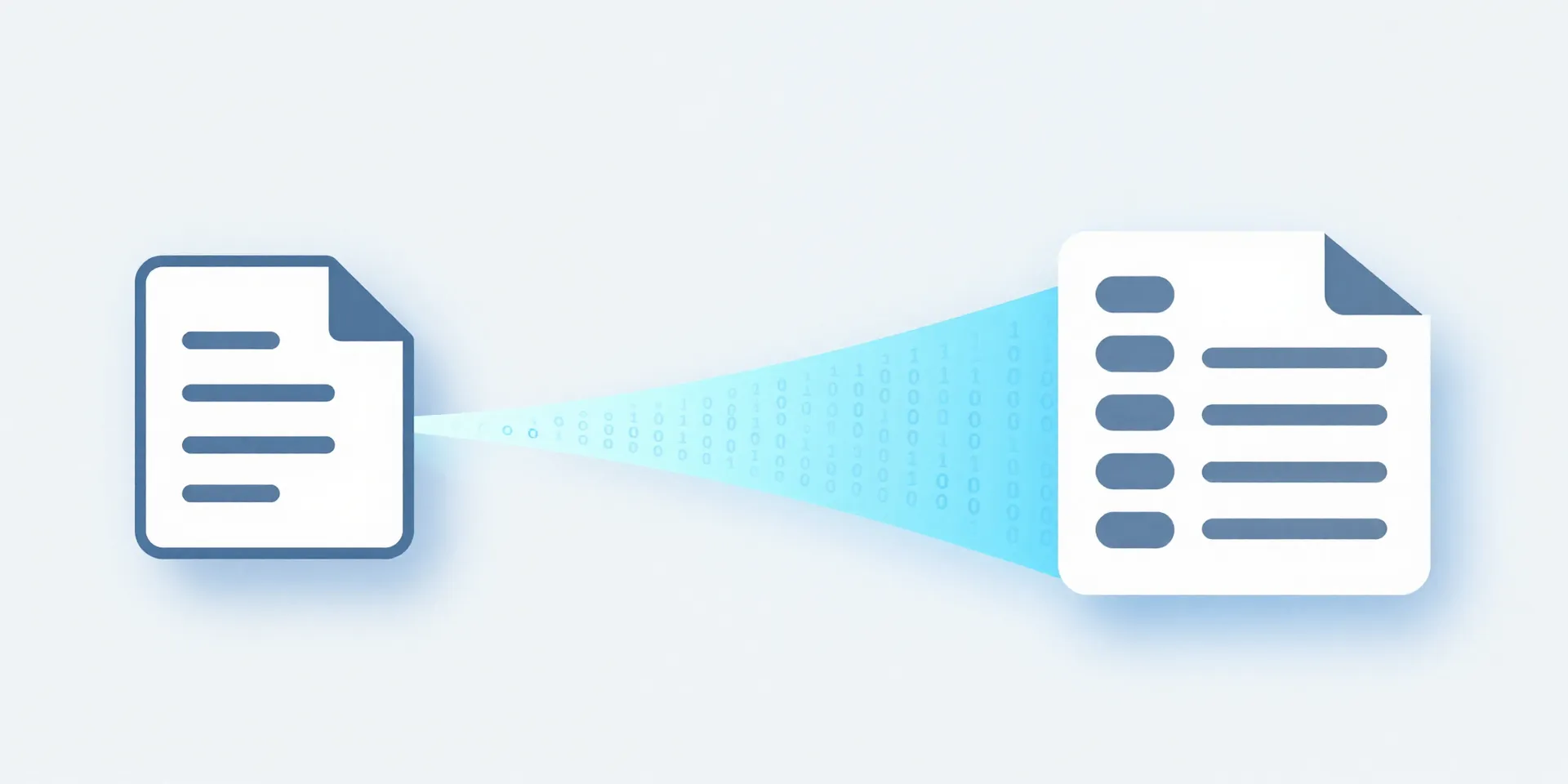
Here's the thing. In your head, a Google Doc is a living document. In Airtable's head, that doc is just a piece of data. A URL. Some text. A status. The magic happens when you make one talk to the other. Instead of *managing* docs, you start *syncing* them. The doc lives where it's best for writers—Google's clean editor. The metadata—status, assignee, publish date, topic—lives where it's best for managers: Airtable's grid. No more copy-pasting titles. No more dead links.
How the Sync Actually Works (It's Not Magic)
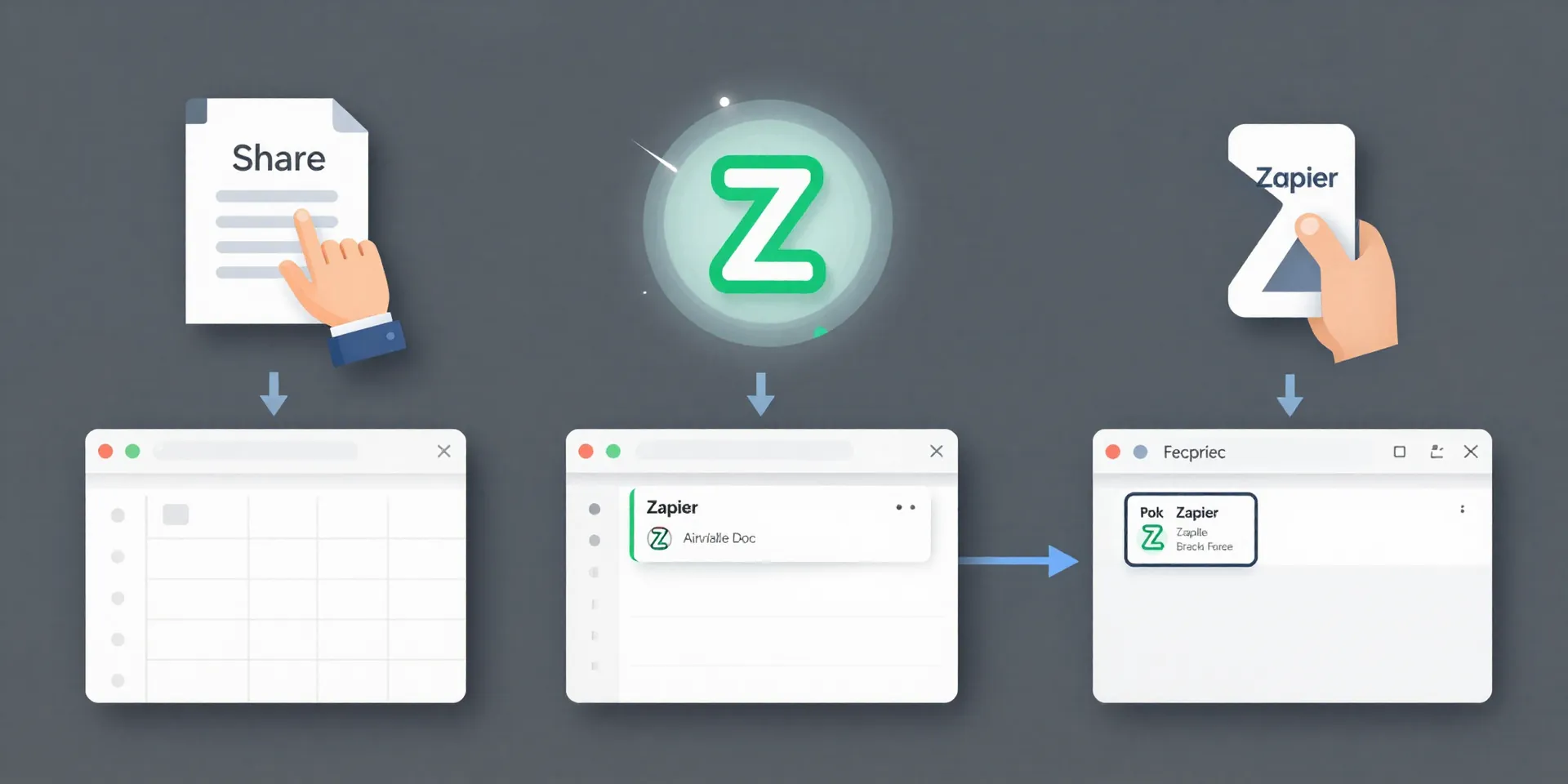
Stop imagining complex code. Think of it as setting up a tiny, extremely diligent robot. You create a new Doc for your "Q3 Blog Ideas" project? The robot sees it, grabs the link and the title, and slaps a new record into your Airtable "Content Calendar" base. Boom. The source of truth is updated. You change the status field in Airtable to "In Editing"? That robot can notify the editor in Slack. It's about creating triggers and actions. The doc changes, Airtable updates. Or vice versa.
Zapier: Your Workflow's Best Friend (Or Worst Enabler)
This is where Zapier (or Make, or n8n) enters the chat. They're the glue. Actually, they're the robot factory. You tell Zapier: "WHEN a new file is added to this specific Google Drive folder" (your draft folder), "THEN create a record in THIS Airtable base with THIS info." It takes 10 minutes to set up. The danger is getting addicted. You'll start syncing everything. "Ooh, can we auto-create a Slack channel when the status is 'Ready for Review'?" Yes. Yes, you can. It's a slippery, beautiful slope.
What You Get Back: Your Sanity
The payoff isn't just fewer missed deadlines. It's transparency. Anyone on the team can open the Airtable calendar and see, instantly, what's being written, where it is, and how to find the latest draft. The writer isn't juggling updates across platforms. They're just writing. The editor knows exactly what to look for. The link is always correct. It turns content management from a detective job into a… well, a manageable job. You stop chasing and start doing.
Give It a Shot. Start Simple.
Pick one thing. Your blog pipeline. Your newsletter copy. Create a new Airtable base with a few key fields: Title, Status, Google Doc Link, Assignee. Build one single Zap: New Doc in Folder → New Airtable Record. Run it for a week. See how it feels to not have to ask "hey, where's that doc?" ever again. You'll either hate it or wonder how you ever worked without it. My money's on the latter.